Arduino "Catchphrase" Device
Custom Hardware Game Recreation
Built with C++ & Swift App

Custom Hardware Game Recreation
Built with C++ & Swift App
This project was a recreation of the popular handheld party game Catchphrase. I wanted to have the infrastructure ready for me to create my own version of Catchphrase where I load in my own words for my friends to play. It's gotten to the point where with the versions of Catchphrase that my friends and I have, we've played it so much that we're familiar with all of the terms and it takes away some of the fun. Right now it's just a simple LCD screen interface with a couple of buttons, but I have the software set up so that I can eventually translate this initial prototype into a handheld device with a plastic casing similar to the actual Catchphrase game. I wanted to add the ability to create your own catchphrases for the game, your own categories, and your own things listed within those categories. I wanted to create one for film, one for history, one for science, and other categories as needed.
This project required knowledge of both hardware and software and was a great learning experience for me as someone who has mostly had experience dealing with machines and software in the virtual sense and not really in the real hardware, buttons, and wires sense.
Catchphrase is a party game similar to Taboo and other games where you're not allowed to say the thing you're describing. I'd say the most apt comparison would be Charades. But for Catchphrase, you're given a phrase. Say the phrase is "hot and ready," like Little Caesars pizza. The person who is holding the device cannot say "hot and ready," but they can say whatever they want that doesn't include those words to get their team to correctly arrive at that phrase. It's kind of a mixture of Charades, hot potato, and Taboo. It can be a lot of fun, super fast-paced, and is especially crazy with large groups.
I know there will be further challenges when making the plastic casing to have it operate as dependably as the real Catchphrase devices that have been released by Hasbro.
So the requirements for the device were fairly simple. It's comprised of a button to start the game, a button to cycle through categories, a button to cycle through catchphrases once you're entered into game mode, an onboard timer, and the wires and hardware needed to set all of that up, which in this case I used an Arduino Uno R3. I have a buzzer that I've since installed for the use of sound, but for the final version, I'm going to create an LED sensor—or meter more accurately—to show the time that's ticking down that will allow the game to be played in louder environments. When it came to the controls for the Arduino, it was just a loop for the main menu until a category is selected, which then triggers the game function where you can cycle through the different words as you would with the actual Catchphrase device.
I chose an Arduino Uno R3 for this because it was what I had on hand, but it's also small and would have the form factor to be used in a plastic case for the actual finished device.
For the creation of this prototype, I just had the breadboard and Arduino Uno R3 that's provided with the Arduino Starter Kit. This kit also included the resistors, buttons, and wires I used for this project. I'm not a hardware expert, but if you were to order the Arduino Starter Kit, it would contain everything needed to construct this basic prototype.
The finished product will have tactile buttons and a smooth plastic feel, but for right now it is just a breadboard with buttons for prototyping.
I'll provide full wiring diagrams once the entire project is completed and I learn how to use online wiring diagram software.
Another reason I chose Arduino was due to its lower power needs. I have some AA battery holders that will be used for the actual handheld plastic case product.
For the firmware, the few things I had to take care of were word and phrase length limits. I made sure to have filters ready to ensure that no words above the character length were actually included. I also implemented a random selection algorithm (which of course isn't truly random). There was also a function for the game timer that needed to be implemented, as well as the button input handling, display rendering, and sound effects for the buzzer.
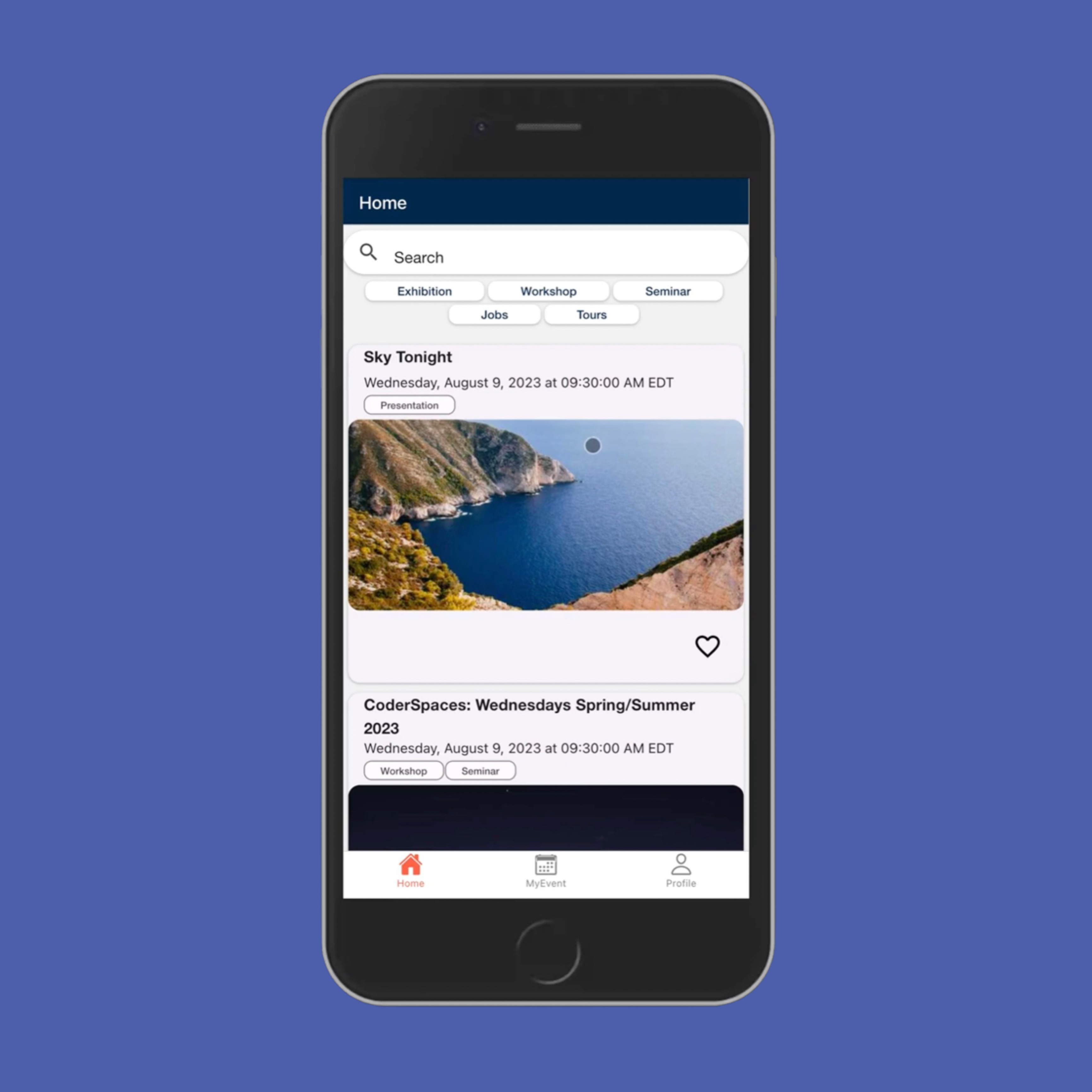
I started development on an app to communicate with this device. I want the final product Arduino to have a Bluetooth Low Energy chip that will allow for communication and the transfer of new categories to the device. The app will eventually allow users to add custom word lists and create custom game settings to play how they'd like to play. The app interface currently is very boilerplate with the design of a simple list editing app. I have not yet dealt with Bluetooth connection code.
Admittedly, this was not much of a challenge. The online resources were plentiful and I was able to have a completed prototype ready in an evening. Additionally, I used Claude Code to outline the needed button input and LCD display code.
The Arduino Uno R3 has limited onboard memory to store the phrases and categories. For the final build-out of this project, I will use something with more memory, but I know it's not something to worry about too much given the small size of text and the advancements in memory and storage capabilities.
I haven't even started on this, but I know it's gonna be a doozy.
I will update this page once I have a final finished product, but at the moment the prototype is functional. Once I have a final finished product, I'll be bringing it around to friends plenty in order to test its functionality and its durability. As for what I learned overall when it comes to bridging hardware and software via this project, it's that you just need to have everything documented correctly, have your circuit diagrams ready, have your pins known, and keep things consistent for when you're adding in new features, new buttons, etc.
Watch the prototype in action and explore the code behind this hardware-software hybrid project.